
When I launched my first online project, I made a classic solopreneur mistake. I thought I could skimp on design expenses by buying a bunch of cheap, generic stock graphic templates.
Eight hundred dollars later, my website looked like a sterile, forgettable corporate insurance portal. It had zero personality. When I tried to hire a freelance designer to fix it, the quote came back at $2,500—a budget I simply did not have as a bootstrapped solo founder.
That is when I decided to force myself to master generative AI for branding.
But here is the brutal truth that nobody tells you in flashy social media tutorials: 95% of AI-generated branding looks like complete garbage. If you just type a lazy phrase like “cool tech logo” into Midjourney, you will get a chaotic image with warped geometry and weird, distorted alien text. AI doesn’t have taste—you have to provide the taste.
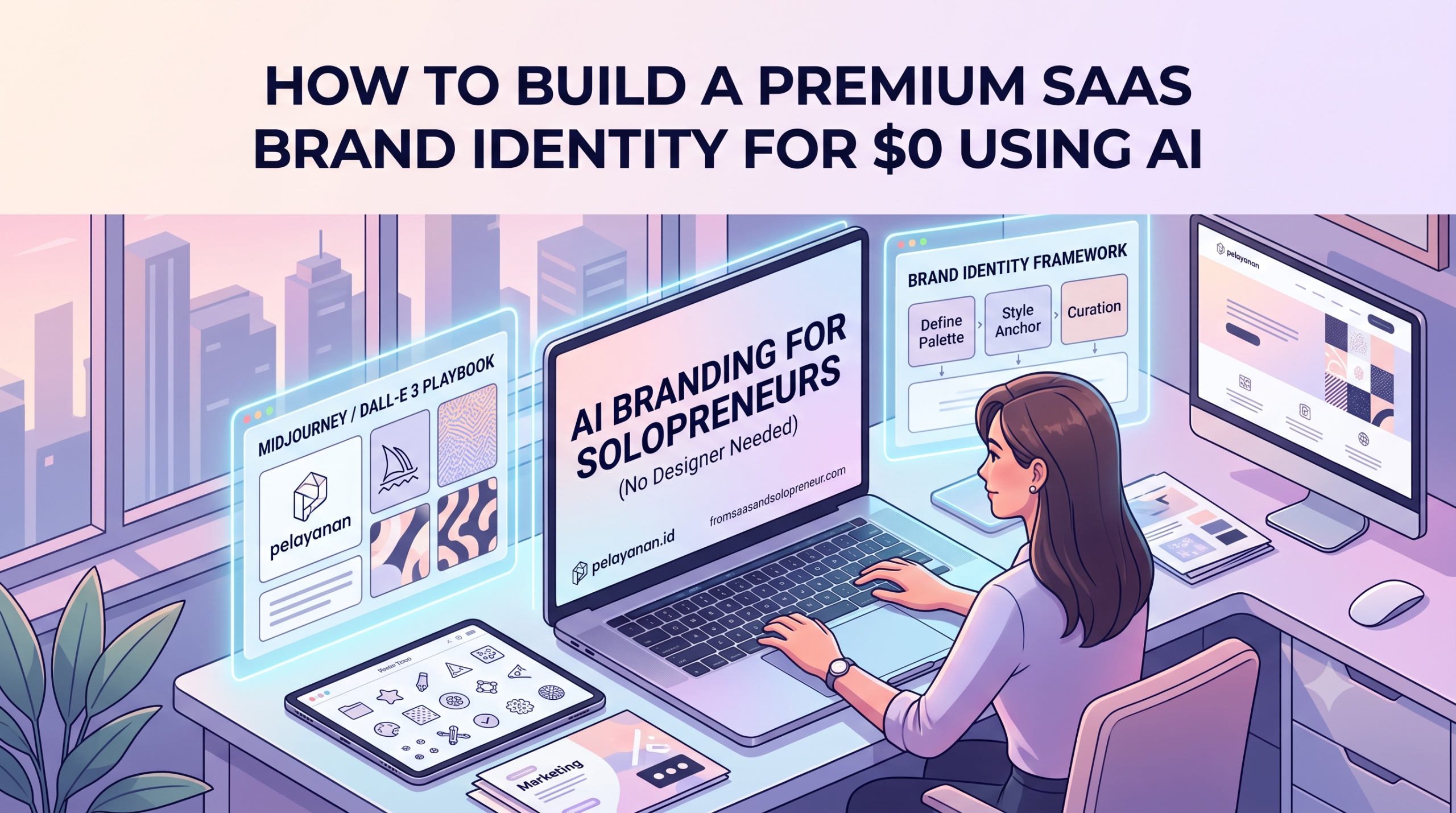
After months of frustrating trial and error, I developed a repeatable, code-like framework to extract clean, professional, agency-grade brand assets from Midjourney and DALL-E 3. Here is the exact zero-dollar system I use to run all the visuals for my solo business.
The “Product-First” Rule: Know Your Tool’s Limits
The biggest breakthrough in my workflow happened when I stopped trying to make one tool do everything. Midjourney and DALL-E 3 are built differently, and using them for the wrong job is a fast track to wasting your monthly subscription credits.
- My DALL-E 3 Rule (The Architect): Use DALL-E 3 when you need precise geometry, simple flat layouts, or basic text symbols. It obeys logical instructions perfectly. If I say, “Put a perfect circle inside a solid blue square,” DALL-E 3 gets it right on the first try.
- My Midjourney Rule (The Artist): Use Midjourney (specifically v6) when you need editorial-grade website hero images, textured background patterns, or hyper-realistic product mockups. It understands lighting, atmospheric mood, and depth in a way that DALL-E 3 simply cannot replicate.
Step 1: The “Flat-Asset” Prompting Code for Logos
When I first tried generating logos with AI, the outputs were covered in glossy 3D shadows and realistic gradients. They looked cool in the chat box, but they were completely unusable on a real website header or mobile app icon.
To get clean, professional iconography, you have to use what I call “Negative Engineering.” You must explicitly forbid the AI from adding complexity.
The DALL-E 3 Logo Prompt Blueprint I Swear By:
A minimalist flat vector icon for a SaaS productivity tool. The icon features a clean, solid geometric shape representing momentum. Solid white background. Flat design style. Use exactly two colors: midnight blue and electric lime. Absolutely no 3D rendering, no drop shadows, no gradients, no photorealistic textures.
By ruthlessly cutting out gradients and shadows in your prompt, the AI hands you a crisp, flat asset.
The Missing Step: Vectorization
The AI will give you a standard .PNG file. To make it a real logo, I run the image through Vectorizer.ai (a fantastic free online tool). It instantly converts the pixels into clean mathematical paths (.SVG). Now, I can upscale my logo to the size of a billboard or shrink it down to a tiny favicon without losing a single pixel of sharpness.
Step 2: Eliminating Visual Chaos with Style Anchors
Go to any poorly designed solopreneur website, and you will see a chaotic mix of styles: a cartoon icon on the landing page, a stock photo in the blog post, and a futuristic neon graphic on social media. This visual whiplash kills brand authority.
To fix this, I created a Style Anchor. Once I find a prompt formula that creates a beautiful image, I lock that formula down and only change the core subject for future graphics.
My Exact Midjourney Style Anchor for Blog Covers:
A 3D isometric claymation graphic of [SUBJECT], clean startup aesthetic, modern web design style, minimalist workspace theme, pastel blue and soft teal color palette, isolated on a solid off-white background --v 6.0
- When I need a cover for an article about AI Copywriting, I replace
[SUBJECT]with:a digital typewriter with glowing papers. - When I need a cover for Social Media Automation, I replace it with:
a smartphone with floating speech bubbles.
Because the rest of the prompt string remains 100% identical, every single image on my site looks like it was custom-commissioned from the exact same human illustrator. That is how you build visual trust on a budget.
Step 3: Generating Seamless Brand Assets
A brand identity is more than just a logo; you need visual textures to tie your landing page layout together. I use Midjourney to generate seamless, repeatable textures that I can use as backgrounds for my section dividers, headers, and digital product mockups.
The Seamless Pattern Code:
A minimal abstract geometric line pattern, high-end tech brand aesthetic, ultra-clean design, using light gray and soft slate blue flat colors --style raw --tile --v 6.0
The magic keyword here is --tile. This tells the Midjourney engine to ensure the right edge of the image perfectly matches the left edge, and the top matches the bottom. You can repeat this graphic infinitely across a massive website background, and it will look like one continuous, professionally coded asset.
The Solo Creator’s Creative Stack Workflow
You cannot build a cohesive brand inside the AI chat box alone. The AI gives you the raw material; you need a systematic pipeline to assemble it. Here is the exact zero-dollar operational framework I use to process assets:
| Stage | Process Phase | Tool Used | Intended Outcome |
|---|---|---|---|
| 1 | Generate Raw Art | Midjourney / DALL-E 3 | Produce raw art using flat/style anchor constraints. |
| 2 | Isolate the Asset | Adobe Express Background Remover | Strip away background colors to get a clean, transparent canvas. |
| 3 | Scale the Icon | Vectorizer.ai | Convert the pixels into an .SVG vector file to maintain crispness. |
| 4 | Apply Typography | Canva Assembly | Pair the asset with clean fonts (like Inter or Open Sans) as a brand template. |
FAQ
Can I legally trademark a brand logo generated by AI?
Copyright laws globally state that raw, unedited AI-generated images cannot be trademarked because they lack human authorship. However, there is a practical workaround: if you use the AI as a starting concept, modify the graphics in a tool like Canva or Illustrator, add your unique brand typography, and use it actively in commerce, you significantly strengthen your legal claim to trademark the finalized brand mark.
How do I get a transparent background for my AI logos?
Neither Midjourney nor DALL-E 3 can export transparent canvases directly. Download your AI logo with a solid white background, run it through a free background remover tool to make it transparent, and then use a vectorizer to convert the pixels into a scalable format.
How do I prevent AI tools from adding weird, distorted text to my logos?
While DALL-E 3 is relatively good at short words, Midjourney still struggles with text rendering. The best practice is to stop asking the AI to write your brand name. Use strict prompts to generate only the standalone icon or symbol (using phrases like no text), and add your typography manually inside Canva later.
I am is an AI Author & Practitioner specializing in AI workflow automation, prompt engineering, and digital productivity. I help solopreneurs and content creators streamline their operations using practical, real-world AI strategies