
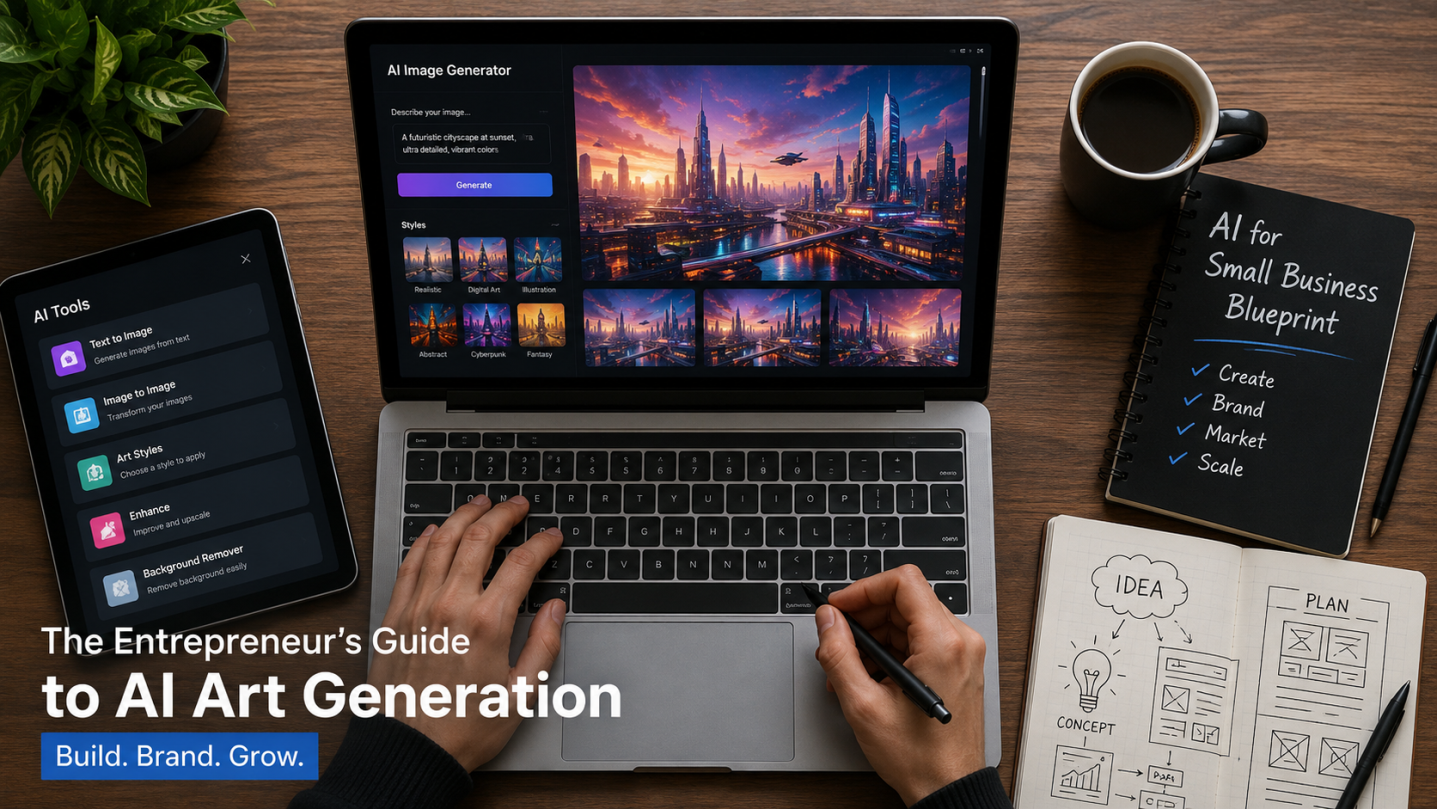
When you are running a small business, visual content isn’t just a nice-to-have asset—it is the engine that drives your brand identity, product presentation, and conversion rates. Whether you need high-converting Facebook Ads, realistic lifestyle mockups for your e-commerce store, or distinct brand graphics for your blog, generative AI can dramatically slash your production time.
But let’s be entirely honest: the real problem today isn’t a lack of tools. It is the paralyzing paradox of choice.
Every week, a new generative AI model trends on social media, promising to revolutionize your workflow. When I first started testing these engines for business use, I wasted countless hours (and paid subscription credits) jumping from one platform to another, only to end up with distorted human faces, unreadable text overlays, or worse—unclear commercial licensing.
To save you from making those same expensive mistakes, I have built this pragmatic decision blueprint. Instead of hunting for a generic “best overall” platform, this guide will help you identify the exact AI art generator that aligns with your specific operational tasks and budget.
The Core Matrix: Matching Business Needs to the Right AI Engine
Before we dive into the operational blueprint, use this quick reference table to see where today’s top AI engines actually specialize:
| If Your Small Business Needs… | Your Core Feature Focus | Safest Tool Category |
| Paid Ads & Hyper-Realistic Mockups | Cinematic lighting, raw surface textures | Midjourney v6 or standalone photography models |
| Product Packaging & Graphic Text | Exact character spelling, vector typography | DALL-E 3 (via ChatGPT Plus) or Ideogram |
| Risk-Averse Corporate Material | Certified ethical training data, IP safety | Adobe Firefly |
| High-Volume Content & Fast Iterations | Speed, ease of use, simple interface | Integrated web dashboards / Turbo engines |
Step 1: Define Your Primary Visual Output
The first rule of choosing an AI tool is simple: your daily workflow should dictate your software stack. Never buy a subscription based solely on flashy art portfolios you see on X or TikTok.
Let’s break down where you fit in the small business landscape:
The E-commerce Storefront Owner
If you sell physical products on Shopify, Amazon, or Etsy, your graphics directly impact buyer trust. You need an AI engine that excels at background replacement, realistic product lighting, and fabric textures.
- The Blueprint Priority: Look for tools with advanced canvas editing (inpainting) so you can place your real product images into AI-generated lifestyle backdrops seamlessly.
The Content Creator & Solopreneur
If your business thrives on digital traffic—like blogs monetized with AdSense or high-volume YouTube channels—speed and text rendering are your top priorities. You don’t have time to spend 20 minutes refining a single prompt just to get a blog header graphic.
- The Blueprint Priority: Choose an engine with superior semantic understanding that turns simple ideas into usable graphics on the first try.
The Marketing Agency & Freelancer
When you manage visuals for paying clients, style consistency across multiple separate assets is everything. You cannot afford to give a client a Facebook ad that looks completely different from their Instagram story banner.
- The Blueprint Priority: Prioritize platforms that support style reference codes, custom seeds, or fine-tuned model weights.
Step 2: Audit the Legal and Commercial Fine Print
This is where many independent practitioners accidentally expose themselves to massive liability. Just because an image looks incredible doesn’t mean you legally own it.
When establishing your business blueprint, evaluate these legal guardrails:
- Subscription Restrictions: Many platforms restrict images generated on free tiers to personal, non-commercial use only. To legally use the graphics in paid advertisements or monetized blog posts, you usually must be on an active paid plan at the exact time of generation.
- Corporate Revenue Caps: Read the terms carefully. Certain top-tier platforms explicitly state that if your business crosses a specific gross revenue threshold (e.g., $1M annually), you are legally mandated to upgrade to an enterprise or commercial tier to keep your license valid.
- The Rights Transfer Bottleneck: If you are a freelancer delivering creative assets to a client, you must confirm that the tool’s license explicitly allows you to transfer full ownership rights to a third party.
Step 3: Weigh the Creative Control vs. Simplicity Tradeoff
AI art generators generally fall into two distinct camps. Understanding which user interface fits your personal technical comfort level will save you days of frustration.
Camp A: The Direct Communicators (e.g., ChatGPT / DALL-E 3)
These tools operate via conversational language interfaces. You describe what you want in plain English, and the engine handles the underlying technical parameters. It is fast, highly intuitive, and incredibly accurate at rendering written text inside images. However, you sacrifice deep granular adjustments over camera lenses, raw lighting styles, and complex stylistic weights.
Camp B: The Advanced Orchestrators (e.g., Midjourney)
These engines reward professional prompt engineers who use highly specific technical parameters, lighting keywords, and camera shorthand. They deliver cinematic, jaw-dropping pixel realism and endless creative flexibility. The tradeoff? They often require using external platforms like Discord, feature a much steeper learning curve, and make public your generated assets by default unless you pay for a premium private stealth mode.
Step 4: Protect Your Long-Term Visual Brand Identity
Generating a single beautiful graphic is easy; maintaining a recognizable visual identity across a 6-month marketing roadmap is incredibly difficult.
To prevent your brand from looking messy, look for tools that offer Inpainting (Canvas Editing) and Style Referencing. Inpainting allows you to highlight a small error—like a distorted face or a minor background anomaly—and repair only that specific section without destroying the rest of the image. Style referencing lets you feed a pre-existing brand asset into the AI, forcing the engine to lock in the exact color palettes, brush strokes, and moods for all subsequent generations.
Final Thoughts: Implementing Your Strategy
Building a successful small business isn’t about collecting the most powerful AI tools available; it’s about building a tight, frictionless system that saves you time and protects your legal safety.
If you are a solo builder looking to bypass complex code strings and need fast, conversational ad assets, starting with an integrated assistant like ChatGPT Plus is your best bet. If you are operating a high-end design agency where cinematic lighting and flawless texture are non-negotiable, investing the time to master Midjourney remains the gold standard. For corporate teams where legal compliance and IP indemnity are paramount, Adobe Firefly provides the ultimate safety net.
Choose the engine that removes repetitive design tasks from your calendar today, so you can spend your energy serving customers and scaling your business.

I am is an AI Author & Practitioner specializing in AI workflow automation, prompt engineering, and digital productivity. I help solopreneurs and content creators streamline their operations using practical, real-world AI strategies