
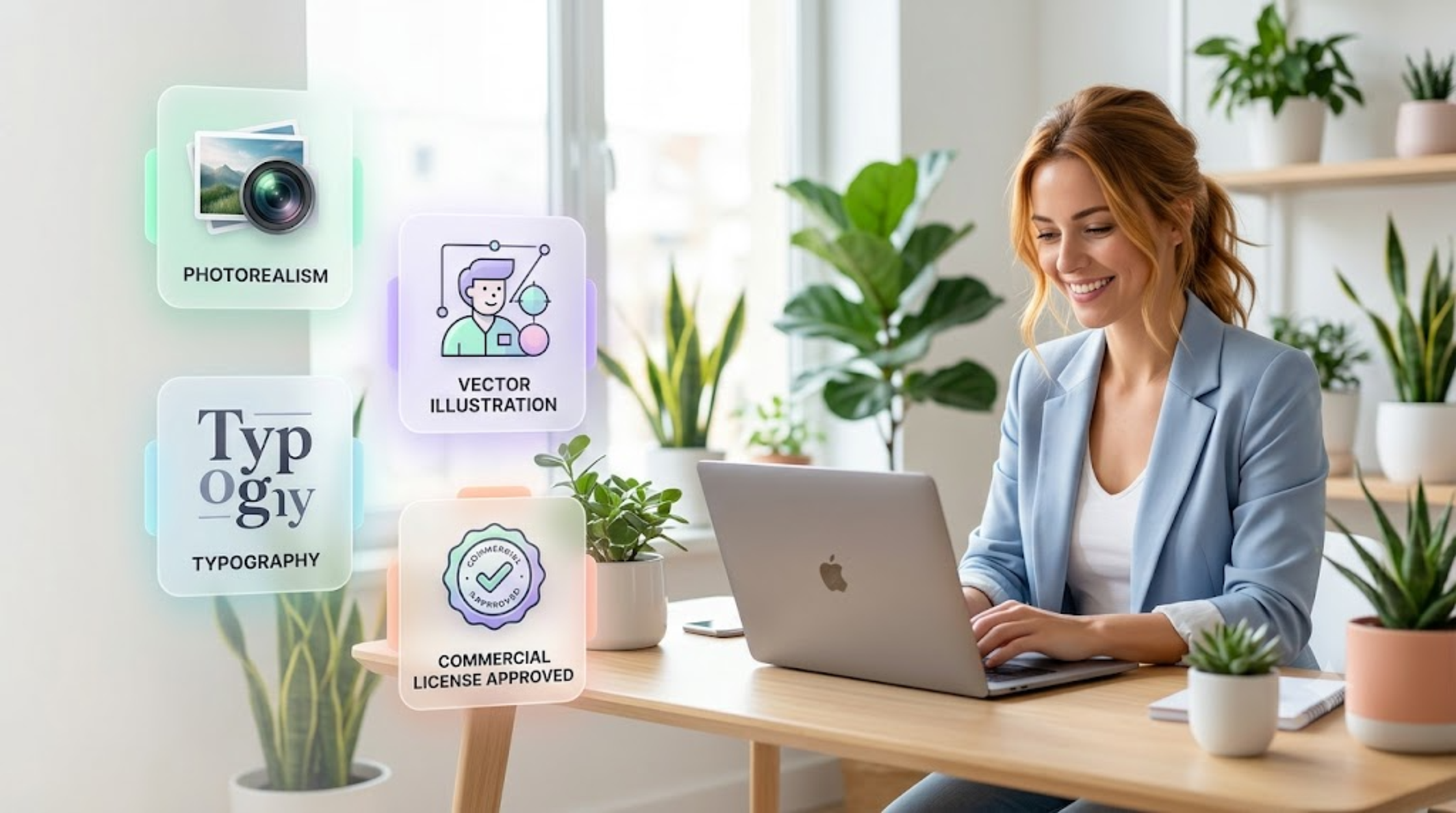
Artificial intelligence has made creating professional-quality images faster and more accessible than ever before. Whether you’re designing social media graphics, digital marketing campaigns, e-commerce product photos, or brand assets, there’s an AI tool out there that can dramatically slash your design time and production costs.
The real challenge today isn’t finding an AI image generator. It’s choosing the right one.
With dozens of platforms competing for your attention, it’s easy to get overwhelmed. Some systems specialize in flawless photorealism, while others excel at digital illustration, vector typography, logo concepts, or maintaining consistent characters.
Choosing the wrong platform leads to wasted prompt credits, inconsistent branding, and hours of frustrating manual editing. This guide is designed to cut through the marketing hype and help you pinpoint the exact tool that fits your daily workflow, budget, and business goals.
Quick Guide: Matching Your Needs to the Right AI Engine
Based on my experience, here is a quick cheat sheet based on specific operational goals:
| If Your Primary Need Is… | Look For This Specific Model Optimization DOCX |
| Photorealistic Marketing & Ads | High-fidelity photography models (e.g., Midjourney v6, Flux) |
| Consistent Brand Characters | Generators featuring precise Character Reference (Cref) tags |
| E-commerce Product Mockups | Tools with built-in canvas editing and background replacement |
| Social Media Templates & Graphics | Fast-generation engines with multiple aspect ratio controls |
| Readable Typography inside Graphics | Advanced text-rendering models (e.g., DALL-E 3, Ideogram) |
5 Critical Questions to Ask Before You Subscribe
Instead of looking for a generic “best overall” tool, I asked myself these five practical questions that you can emulate to narrow down your software choices in minutes.
1. What Will You Create Most Often?
Your primary daily output should dictate your choice. Different business models require vastly different image parameters:
- Marketing Teams: Prioritize generation speed, multi-channel ad variants, and seamless landing page illustrations.
- E-commerce Sellers: Require flawless product lighting, lifestyle backdrops, and exact item placement that accurately represents physical stock.
- Solopreneurs & Bloggers: Need absolute ease of use, affordable pricing tiers, and rapid creation of website feature graphics.
- Creative Designers: Demand deep creative flexibility, advanced prompt weights, and raw stylistic control over concept art.
2. How Crucial is Absolute Pixel Realism?
Not every solo project requires elite, cinematic image quality. A basic blog diagram or an internal presentation slide doesn’t need the same rendering depth as a paid social media ad campaign. Keep in mind that hyper-realistic quality often comes with a steeper learning curve, slower rendering queues, and higher subscription costs.
3. Do You Have Clear Commercial Usage Rights?
This is the most overlooked legal pitfall in digital marketing. If you are producing graphics for clients, paid advertising, print-on-demand merchandise, or an active business website, you must secure undisputed commercial licensing. Some platforms grant full commercial ownership only on paid subscription tiers, while others have strict limits regarding public dataset usage.
4. What is Your Technical Learning Budget?
Some tools are built for immediate, one-click simplicity inside clean interfaces. Others operate via advanced text prompting commands that reward experienced users who understand lighting styles, camera lens terminology, and aspect ratios. Decide whether you want results in 30 seconds or if you are willing to invest a weekend learning advanced prompting mechanics.
5. What Are the Real Long-Term Costs?
When evaluating a platform’s pricing, look beyond the basic monthly subscription fee. Check the underlying credit limitations:
- How many high-resolution fast generations do you get per month?
- Are upscaling features billed separately?
- Does the plan allow team collaboration or concurrent generations?
Core Features You Must Compare
To make a smart investment, ignore the flashy social media galleries and judge a tool based on how it handles these four core technical pillars:
Text Rendering Capabilities
If your workflow requires text overlays—such as book covers, product packaging mockups, or quote graphics—test how the AI handles spelling. Older models produce garbled, alien-looking text strings, whereas modern engines can render crisp, readable typography perfectly inside the image.
Built-In Editing Tools (Inpainting & Outpainting)
Generating a beautiful asset is only half the battle. Look for platforms that offer native canvas editing:
- Inpainting: Allows you to select a small error (like a distorted hand or unwanted background object) and fix just that specific area without regenerating the entire image.
- Outpainting (Canvas Expansion): Allows you to seamlessly expand the borders of an image to turn a vertical portrait into a wide landscape banner.
Processing Speed vs. Quality Tradeoffs
If you are pushing out hundreds of social media posts a month, an engine that takes two minutes per image will paralyze your content pipeline. Look for platforms that offer a “lightning” or “turbo” generation mode for fast drafts, saving your heavy credit hours for finalized marketing campaigns.
3 Common Pitfalls to Avoid When Picking a Tool
❌ Mistake 1: Choosing Based on Social Media Hype Alone Just because a tool is trending on TikTok or X doesn’t mean it integrates smoothly into a daily B2B SaaS workflow. Focus strictly on your specific project requirements, not viral art trends.
❌ Mistake 2: Overlooking Style Consistency Generating a single beautiful graphic is easy. Generating ten different graphics that all share the exact same color palette, lighting, and brand identity is much harder. Ensure your chosen tool supports style reference seeds or style locking features.
❌ Mistake 3: Forgetting About Your Daily Workflow A tool that forces you to jump through multiple Discord channels or complex external interfaces might slow you down. Choose the interface that feels frictionless to you, even if its raw artistic output is slightly less complex than a competitor’s premium engine.
Final Thoughts: The Best Choice is Task-Specific
At the end of the day, stop asking which tool is universally the “best.” Instead, frame your search around a simple question: “Which tool consistently supports the exact task I execute most often?”
An e-commerce storefront seller needs reliable product backdrop replacements, not abstract concept art engines. Similarly, a high-volume personal brand content creator requires speed, cross-platform aspect ratios, and clean typography tools over hyper-detailed photographic layers.
If you are ready to look at real-world feature breakdowns, exact pricing tiers, and in-depth reviews of the current market leaders, head over to our comprehensive, updated companion guide: [Best AI Image Generators in 2026] to lock in your design stack.

I am is an AI Author & Practitioner specializing in AI workflow automation, prompt engineering, and digital productivity. I help solopreneurs and content creators streamline their operations using practical, real-world AI strategies
1 thought on “How to Choose the Right AI Image Generator (Complete Decision Guide)”